FMD Server
FMD Server is a companion for FMD Android. Recall that FMD Android can receive (and respond to) commands over multiple transport channels. Apart from SMS and Notication Reply, FMD Server is another important transport channel within FMD.
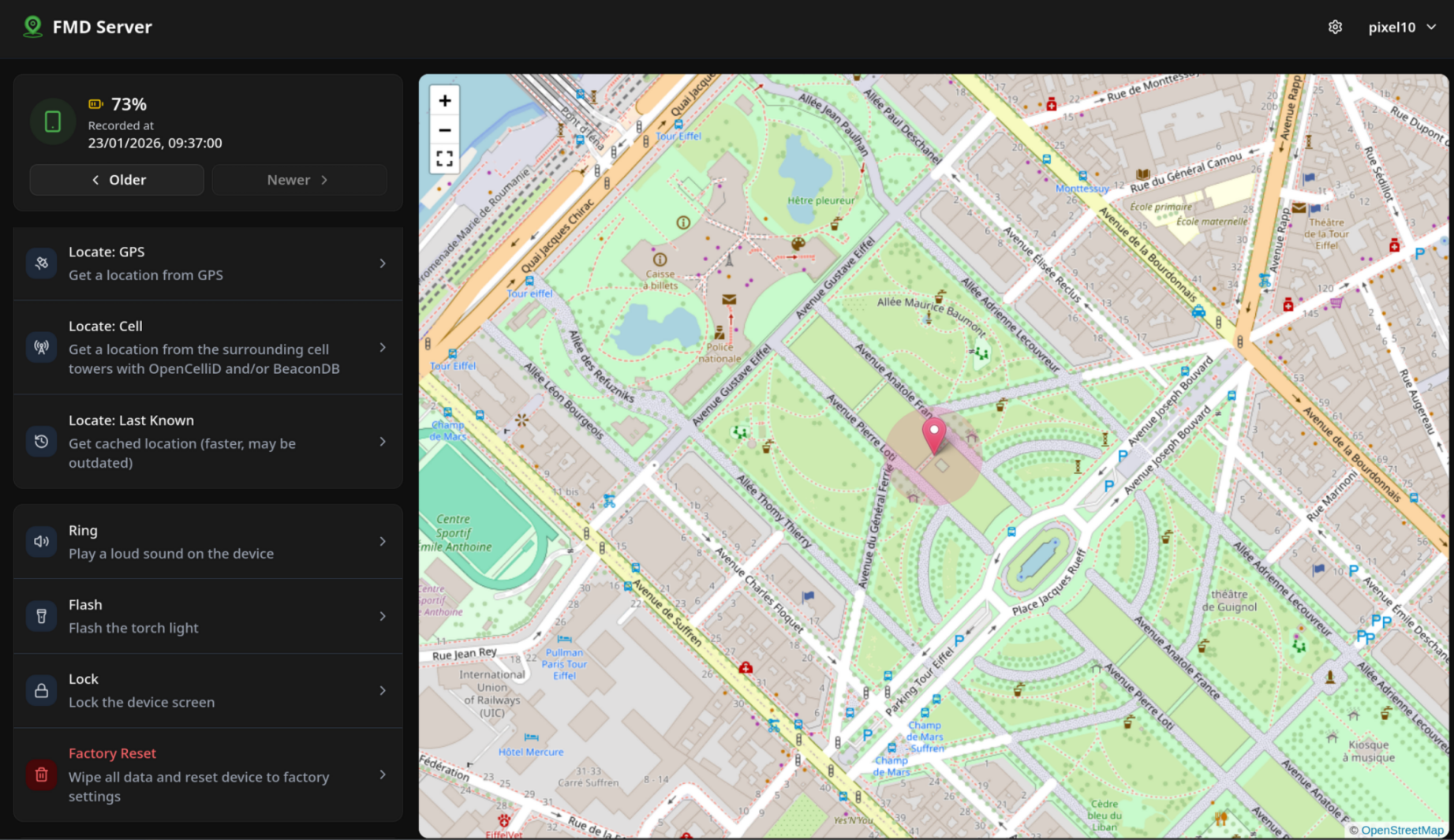
FMD Server is web application. Via its frontend web interface, you can send commands to your FMD Android app. Afterwards, you can see the responses (currently only locations and pictures).
Screenshots
Choosing a server
The FMD team maintains two public instances of FMD Server:
| Environment | URL | Description |
|---|---|---|
| Production | https://server.fmd-foss.org | Main productive instance. Recommended for most users. |
| Edge | https://server-edge.fmd-foss.org | Cutting-edge instance. This instance receives new releases a bit earlier than the production instance. |
You can also self-host FMD Server. See the installation guide for instructions.
Registering an account
Register an account through the FMD Android app. Then log in on the web interface.
FMD Android uses UnifiedPush to receive commands from FMD Server. Therefore, you need to install a UnifiedPush distributor app on your device. See the push documentation for more information.
Security
FMD Server uses cryptography to ensure that -- without knowing a user's password -- the server operator cannot see the data that FMD Android uploads (privacy/confidentiality) and cannot execute commands on users' devices (integrity).
For more details, see the privacy policy as well as the security section, which explains the goals and limitations.