Signing FMD Releases

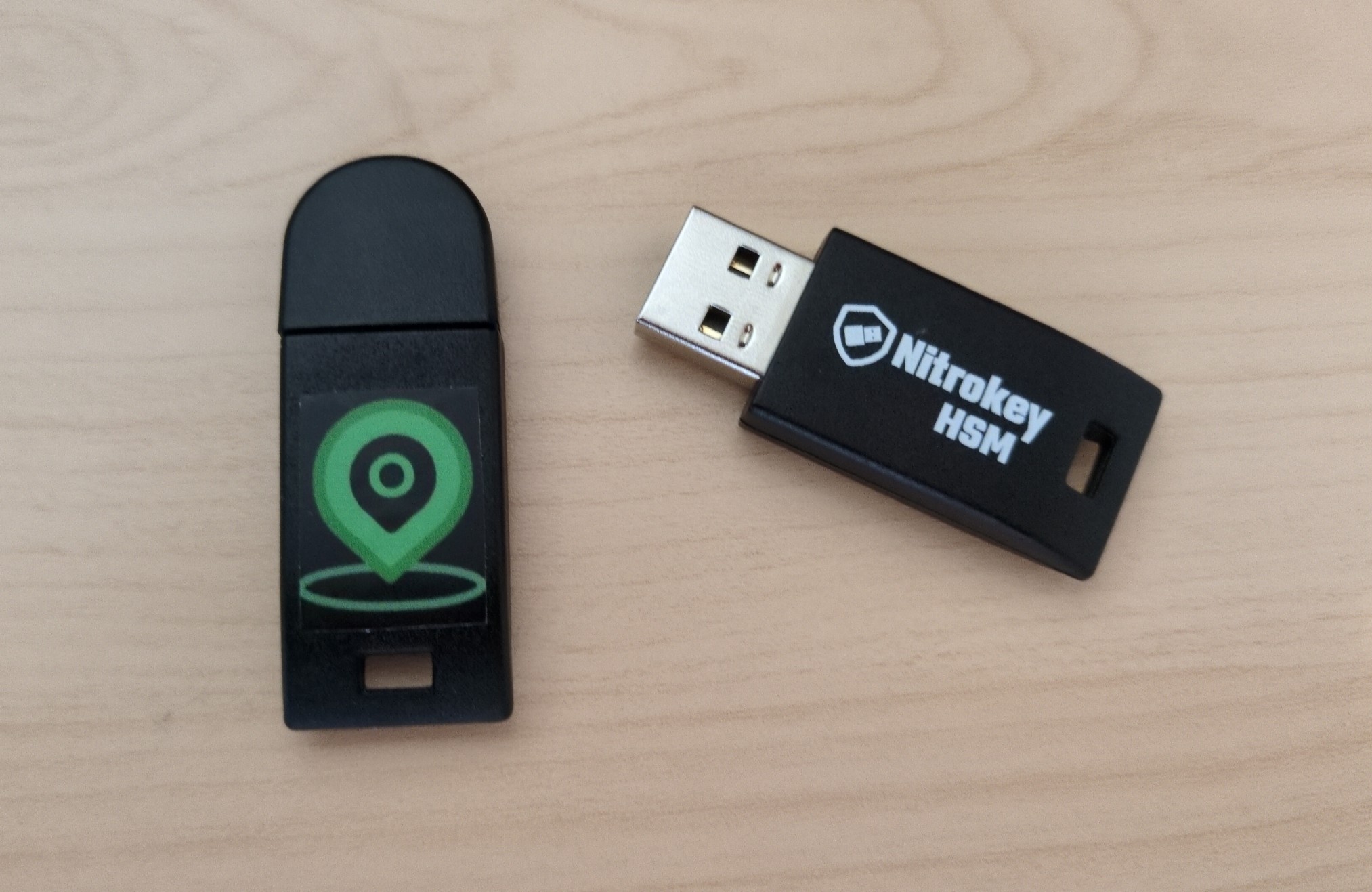
FMD is now signing the APKs for FMD Android and the pre-built ZIPs for FMD Server. Additionally, there is now an F-Droid-compatible repository. All of this is powered by signing keys stored securely in Nitrokey HSMs.
Background
For a long time, people have been asking us to sign the APKs for FMD Android ourselves. The reason is simple and non-controversial: If FMD publishes compiled artifacts, signatures will allow users to verify the authenticity and integrity of those artifacts. Until now, downloads/installations of FMD were "only" protected by APK signatures created by F-Droid (FMD Android) or by the TLS connection to our download server (FMD Server).
So how difficult can it be? Generate a signing key, and off you go!
Unfortunately, managing keys is hard. According to numbers from IzzyOnDroid, roughly 5% of Android developers (1 in 20) lose their signing keys. And in December 2025, it was discovered that the "LineageOS for MicroG" Custom ROM had their file-based signing keys exposed in a public git repository since January 2025.
So if we were going to sign artifacts at FMD, I wanted to do it right. This includes building processes for securely generating and storing the signing keys, backing them up, and sharing them between maintainers. Additionally, I wanted to use a hardware token for this (instead of a file-based keystore).
Results for users
Starting with version 0.14.1, people who use FMD Android or self-host FMD Server can:
- Manually install FMD Android APKs signed by the FMD maintainers.
- Get app updates from our F-Droid-compatible repository. This repository serves the aforementioned developer-signed APKs.
- Verify the signature of the pre-built FMD Server ZIPs.
This guide explains how you can verify the various signatures.
Results for developers
Making APK and F-Droid repository signing work with hardware tokens required a lot of effort. The research started back in autumn 2025, stretched over multiple months, and was done in parallel with normal development work. In total, I estimate that I spent over 40 hours on this project (distributed across many evenings and weekends). Additionally, Nulide and I (the FMD maintainers) travelled to physically meet up for the key generation ceremony.
FMD is not the first to tread this path.
For example, Threema is using a YubiHSM to sign their F-Droid repository.
Nevertheless, I needed to patch fdroidserver
to be able to sign our F-Droid repository with a Nitrokey HSM.
In general, a lof of PKCS#11 tooling is intricate and often does not work out-of-the-box
(something that CalyxOS found as well).
Therefore, FMD is publishing two main resources for other developers:
- A high-level guide about our key management and signing processes, the thinking behind it, and how to do it with a Nitrokey HSM.
- The scripts that we use to generate keys and sign artifacts.
We hope that this makes it easier for other developers to start using hardware tokens (such as the Nitrokey HSM) to secure their signing keys.
Key Attestation
That's all well and good, but how do you know that FMD is really using a Nitrokey HSM? This is where attestation comes in. Attestation allows you to verify that a signing key was generated inside a genuine Nitrokey HSM, by following a certificate chain that leads up to the chip manufacturer's root CA.
This allows users to verify that FMD's signing keys are really generated and stored in a Nitrokey HSM. You don't have to trust the FMD maintainers. It's sufficient to trust the hardware vendor.
For this, we are providing:
- A high-level guide explaining how attestation works with a Nitrokey HSM.
- The attestation files for the FMD signing keys.
- A script to verify the attestation certificate chain.
This is a novelty. While the Nitrokey HSM has supported attestation for a while, FMD is the first project to provide ready-made scripts and instructions for verifying the CVC chains and linking them to APK signatures via the SHA-256 public key fingerprint. I am not aware of any other FOSS project that is using the Nitrokey HSM and its attestation feature to provide a verifiable hardware root of trust for its APK signing keys.
What changes for users
All of this work is primarily targeted at other developers and at users with very high security requirements.
If you are a normal user, you can continue to receive app updates from F-Droid just as before. There is no visible change for you.
Right now, the APKs on https://f-droid.org will continue to be signed by F-Droid. We may eventually migrate f-droid.org to publish developer-signed APKs, but we don't have a timeline for that yet. Even when that happens, we recommend to continue getting updates from f-droid.org, because then you will have F-Droid as an independent party verifying that our APKs are reproducible.
If you want to change to the developer-signed APKs, you need to reinstall FMD Android from https://packages.fmd-foss.org/fdroid/repo. Note that you can export your settings from within FMD Android and re-import them.
Acknowledgements
This work has been funded by NLnet under the NGI Mobifree grant.